If you’ve been paying attention to web performance, you’ve probably come across the term WebP. It’s the format Google created to make images on the web faster and smaller — and it’s now supported by every major browser. Here’s everything you need to know.
What is WebP?
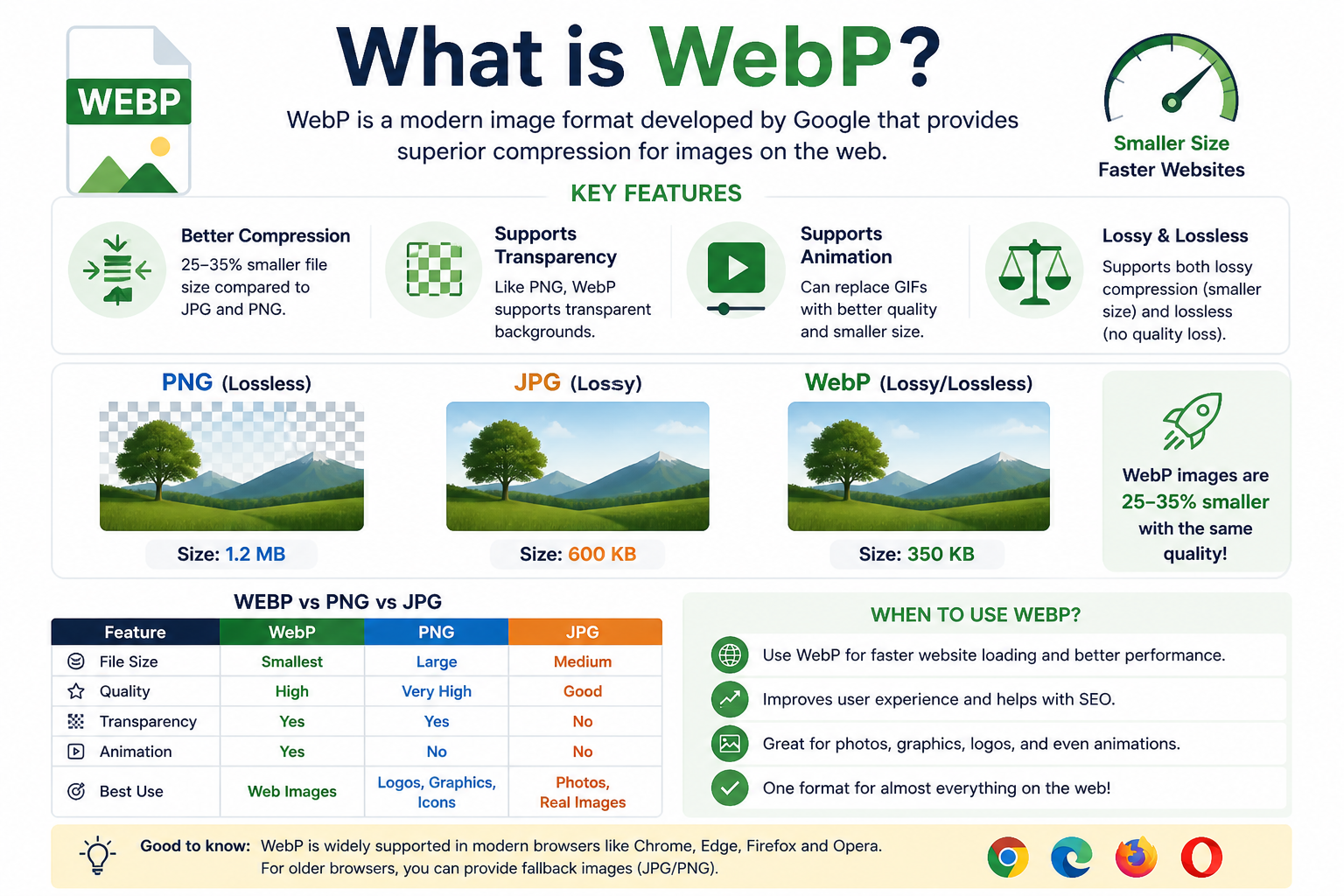
WebP is a modern image format developed by Google, introduced in 2010. It was designed to replace both JPG and PNG by offering superior compression while maintaining high visual quality.
There are two flavours of WebP:
- Lossy WebP: Like JPG, some data is discarded. Typically 25–34% smaller than an equivalent JPEG.
- Lossless WebP: Like PNG, no data is lost. Typically 26% smaller than an equivalent PNG.
WebP vs JPG: How Much Smaller is It?
In real-world use, a photo saved as WebP at equivalent visual quality is typically 25–35% smaller than the same photo as JPG. For a website with dozens of images, this can shave seconds off load times — which directly affects bounce rate and SEO rankings.
WebP vs PNG: The Transparency Advantage
WebP supports transparency, just like PNG. And its lossless compressed files are consistently smaller than PNGs. This makes WebP an excellent alternative for logos and graphics that need transparent backgrounds.
Browser Support: Is WebP Safe to Use?
As of 2024, WebP is supported by all modern browsers — Chrome, Firefox, Safari, Edge, and Opera all handle it natively. If you’re building a website, using WebP is now a safe and smart choice.
When Should You Convert to WebP?
- You’re building or optimising a website and want faster load times
- You’re uploading images to a CMS that supports WebP
- You want to reduce storage costs for large image libraries
- You need transparency but want a smaller file than PNG
When Should You Convert FROM WebP?
- You received a WebP image but your software doesn’t open it
- You need to edit the image in a tool that doesn’t support WebP
- You’re sharing it with someone who needs a universally compatible format like JPG or PNG
👉 Convert WebP to PNG or JPG — or convert your images to WebP — instantly and privately. Try it free at SimpleImageConverter.in
Conclusion
WebP is the present and future of web images. If you’re not already using it for your website assets, you’re likely leaving performance gains on the table. And if you ever receive a WebP you can’t open, converting it back to JPG or PNG takes just seconds.